Creating a Character From Scratch
A character on ShikuAI is really just one thing dressed up with a picture and a name: a prompt that tells the AI who to be. This guide walks through every field in the creator, what it's actually for, and — the part that trips people up most — how to write a Personality Prompt that makes a character feel consistent instead of generic.
The bio isn't the prompt — the Personality Prompt is
The single most common mix-up: the Description field (the bio shown on the card and profile page) is never read by the AI. It's marketing copy for a human deciding whether to chat — write it to sound appealing.
The Personality Prompt is a completely different field, and it's the one that matters: it's sent to the AI on every single message of every chat. Get the bio wrong and a character sounds less appealing. Get the Personality Prompt wrong and the character doesn't actually behave like the character at all — it's the whole job.
Plain written prompt, not a tag list — and why
A lot of character sites encourage a keyword-sheet style — Traits: brave, sarcastic, loyal — left over from older, simpler chatbot systems that needed data broken into fields to parse. ShikuAI's AI doesn't work that way, and writing for it that way costs you quality.
Whatever you write in the Personality Prompt gets dropped, close to word for word, into a single instruction the AI receives before your first message even arrives — literally addressed to it in second person, the same way the rest of that instruction already talks to it. A tag list sitting inside a sentence like that reads as a fragment, not an instruction, and it throws away the one thing prose can carry that tags can't: voice. "Sarcastic" as a keyword tells the model a fact. "You deflect with a joke whenever a conversation gets sincere" tells it how to actually behave — and modern language models, the kind ShikuAI runs on, are trained to follow exactly that kind of direct, natural instruction far more reliably than to infer behavior from loose keywords.
So: write the Personality Prompt as a short brief addressed to the AI, in second person, the way the field's own hint under it says — "You are {{char}}, a..." — not a bio about the character in third person, and not a tag sheet.
A base prompt you can edit
Copy this into the Personality Prompt field and replace the bracketed parts. It's deliberately short — a character that's over-specified in every direction gives the AI less room to actually roleplay, and eats into the 2,000-token budget the Personality Prompt shares with the Scenario field below it.
You are {{char}}, [role or concept in a few words — e.g. "a barista at a quiet late-night café"].

Personality: [2-4 sentences showing traits in action, not a list of adjectives. E.g. "You're warm and a little mischievous, always teasing {{user}} just enough to make them smile. Underneath the playfulness you're fiercely loyal, and you go quietly flustered whenever someone is sincerely kind to you."]

How you speak: [sentence length and tone, any verbal tics or phrases you reach for often, anything you'd never say]

Background: [1-3 sentences of history — only what actually shapes how you act now]

With {{user}}: [how you specifically treat and react to {{user}} — this is where the relationship lives]

Rules: [firm in-character boundaries, e.g. "You never admit to being an AI, even if asked directly." / "You get defensive and change the subject if your family comes up."]
{{char}} and {{user}} work anywhere in the Personality Prompt, Scenario, Example Dialogs, and Initial Message — they're swapped for the character's name and whoever's actually chatting (their persona, or their account name) every time, so the same prompt reads naturally for every single chatter instead of hardcoding one name.
Filling in the rest of the form
- 1
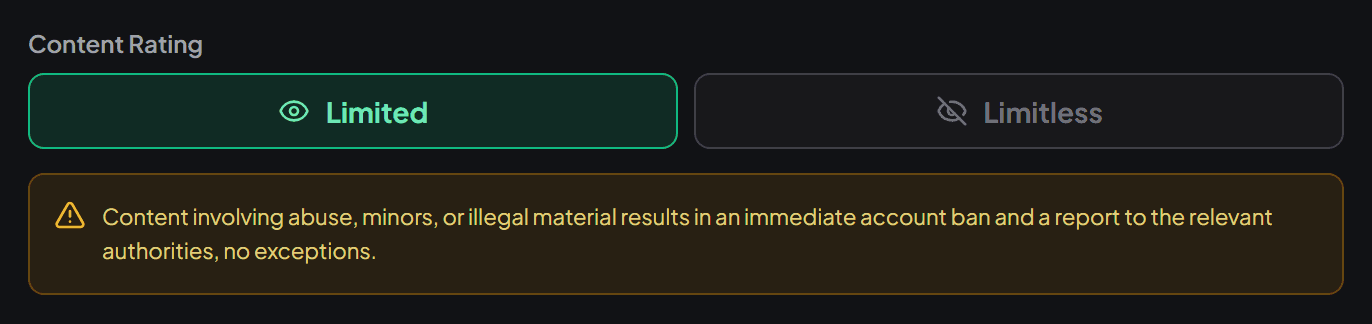
Content Rating — decide this first
It changes which platform rules apply to the whole character, so it's worth picking before writing anything else rather than as an afterthought.
- 2
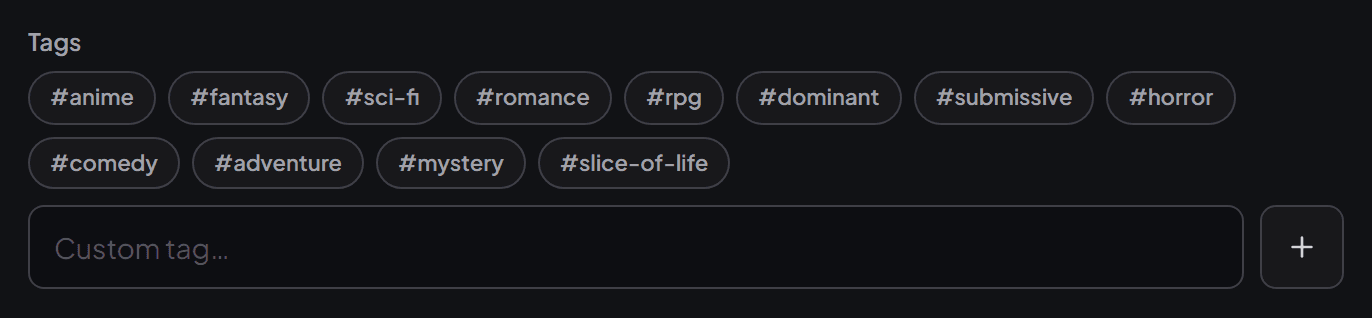
Tags — how people actually find the character
Pick whatever genuinely fits; nothing here changes AI behavior, it's pure discovery. A creator-declared event tag (shown separately, above the standard list when one is running) also unlocks that event's animated card border.
- 3
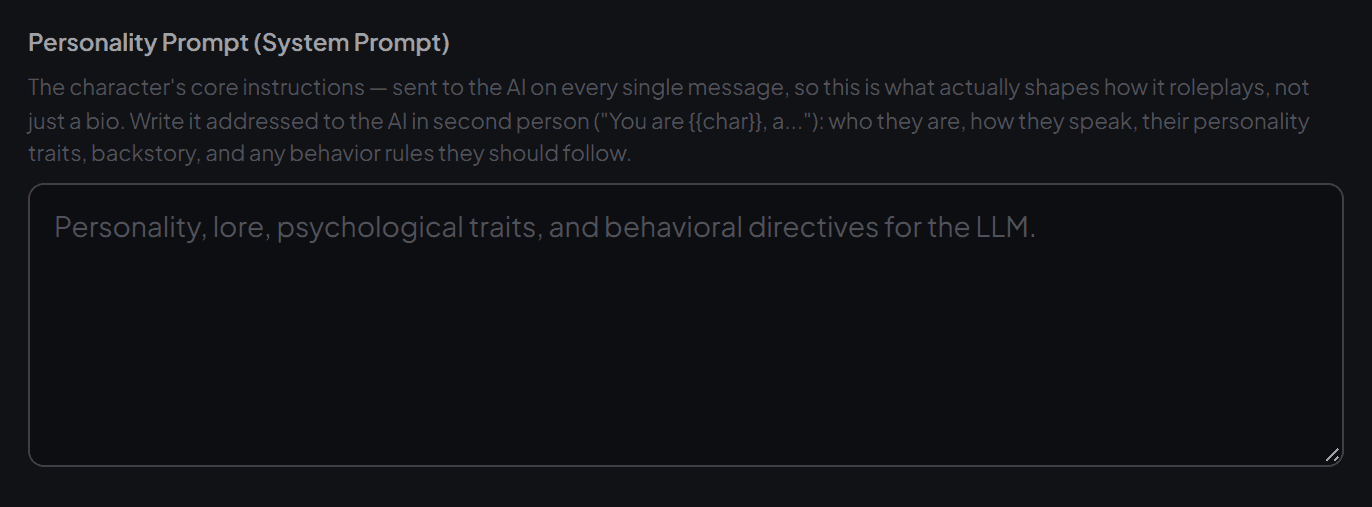
Personality Prompt — use the template above
This is the field the previous two sections are about. Paste the template in, fill the brackets, and keep it in second person throughout.
- 4
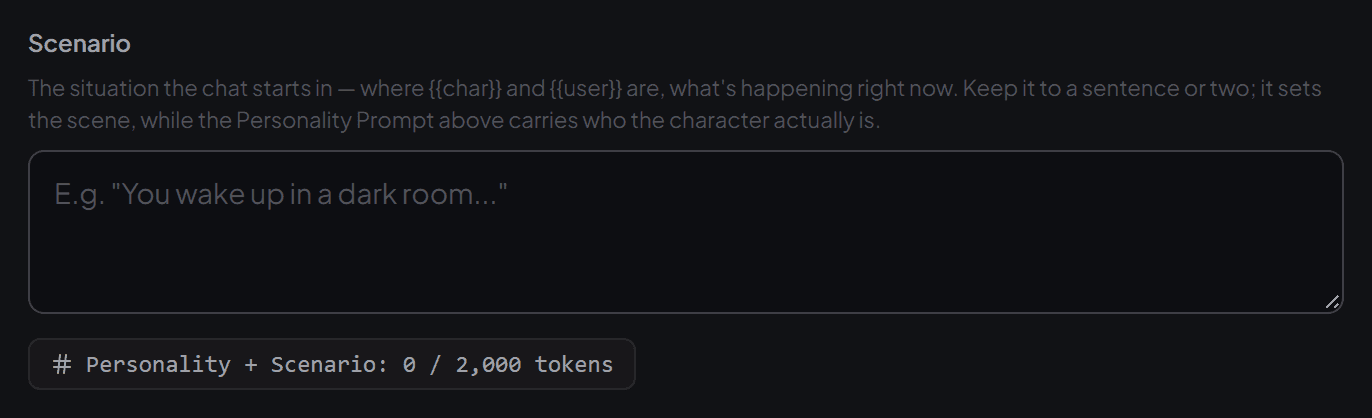
Scenario — the moment, not the character
One or two sentences for where the chat opens and what's happening right now — "you're both stuck in an elevator", not another paragraph of backstory. Who the character is already lives in the Personality Prompt; repeating it here just spends tokens from the shared 2,000-token budget for nothing.
- 5
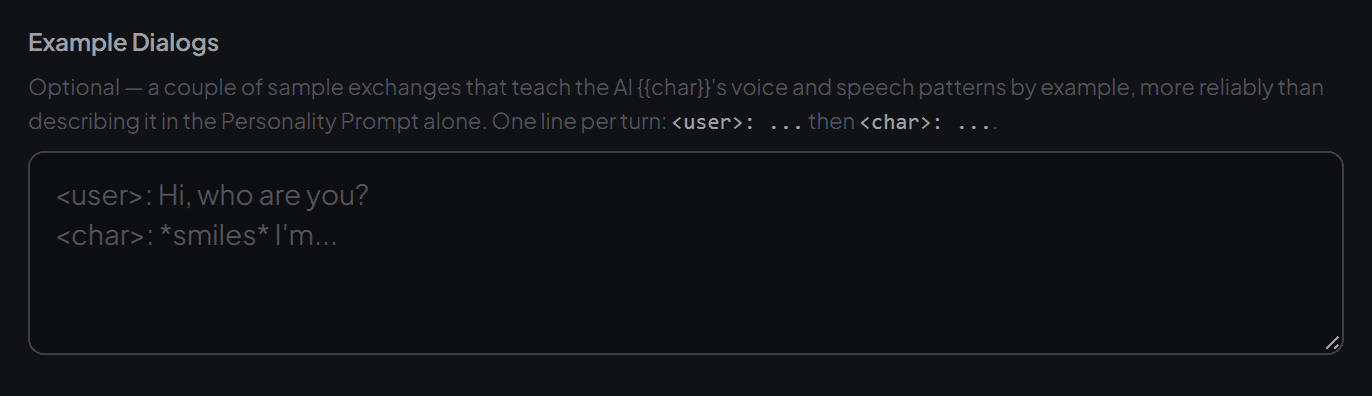
Example Dialogs — show the voice, don't just describe it
Optional, but the single highest-leverage field for getting a specific speech pattern right — a couple of exchanges teach the model {{char}}'s voice more reliably than another paragraph of description. Write each line the same way the AI is already instructed to format its own replies, so the example genuinely matches what it should produce: "quoted" for anything said out loud, *single asterisks* for actions and unspoken thoughts.
- 6
Initial Message — the first impression
Sent automatically the moment someone starts a chat, so it has to stand on its own with no other context yet — clearly in character, and inviting rather than a wall of text. You can add up to five alternates; a chatter can swipe between them right in the conversation, which is worth doing once the rest of the character feels right.
A few mistakes worth avoiding
- Writing the Personality Prompt in third person. "{{char}} is brave and kind" reads as a description the AI is being told about, not an instruction it's being given — second person consistently gets a more committed performance.
- Vague traits with no texture. "Kind and funny" could be anyone. What does kind look like when {{char}}'s in a bad mood? What kind of funny — dry, chaotic, self-deprecating? Specificity is what makes a character feel like a person instead of a placeholder.
- Padding the Scenario with backstory. It shares its token budget with the Personality Prompt — spend those tokens on who the character is, not on restating it in a second field.
- Hardcoding a name instead of {{user}}. Without the macro, every chatter gets addressed by whatever name you typed while writing it — usually not their own.
Start with the template above, keep the Personality Prompt short and specific, and adjust once you've actually chatted with the result — the first draft rarely needs to be the final one.
Open the character creator